Getting started · 4 minute guide
Create and run your first room
Add a script, set the timer, share a view and start the show.
- 1
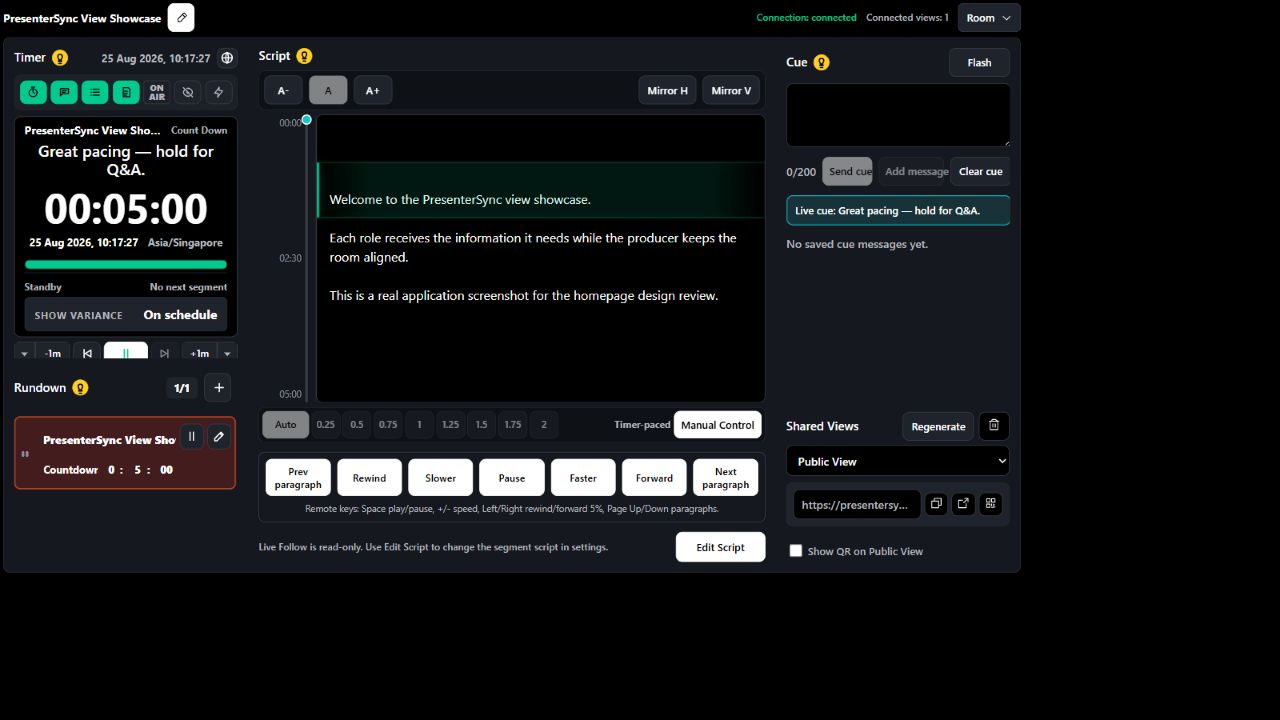
Create a room from your account or the homepage demo.
- 2
Add the rundown, script and wrap-up timing for each segment.
- 3
Open the presenter view on a second device, then start the timer.