Help Centre
What do you need to run today?
Find practical guides and use cases to get your event running smoothly.
Get help with PresenterSync
Getting startedCreate a room and run a short rehearsal.Rooms and connected devicesShare access and assign the right views.Timers, rundowns and scriptsKeep the show on time and the words moving.Producer and dedicated viewsChoose what each role needs to see.Audience interactionRun Q&A and presentation activities clearly.
Popular guides
Create and run your first roomGetting started · 4 minJoin once and assign each deviceConnected views · 3 minGive a speaker the right displayPresenting · 3 minReview and export show timingAfter the show · 2 minRun audience Q&A and activitiesAudience interaction · 3 minRecover a disconnected viewTroubleshooting · 2 min
Explore by use case
Find the right setup for your event.
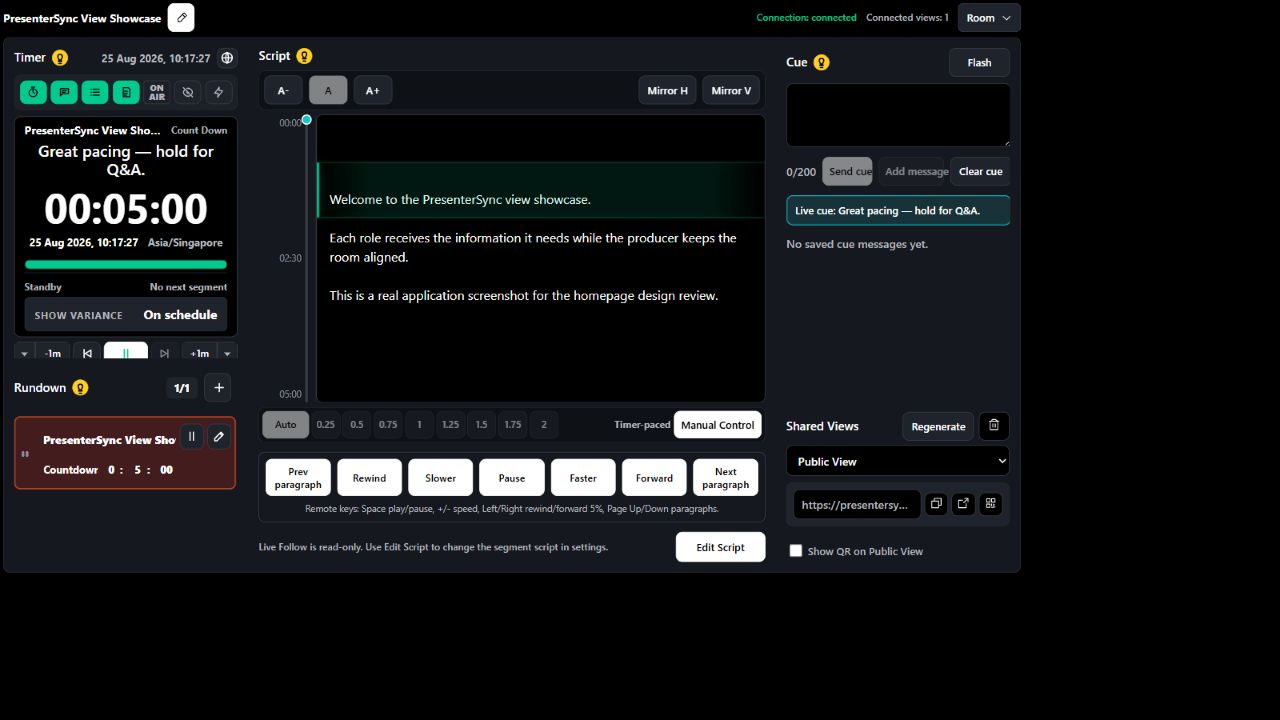
Webinars and livestreams
Keep the host, producer and moderator aligned without a broadcast-control suite.
See the workflow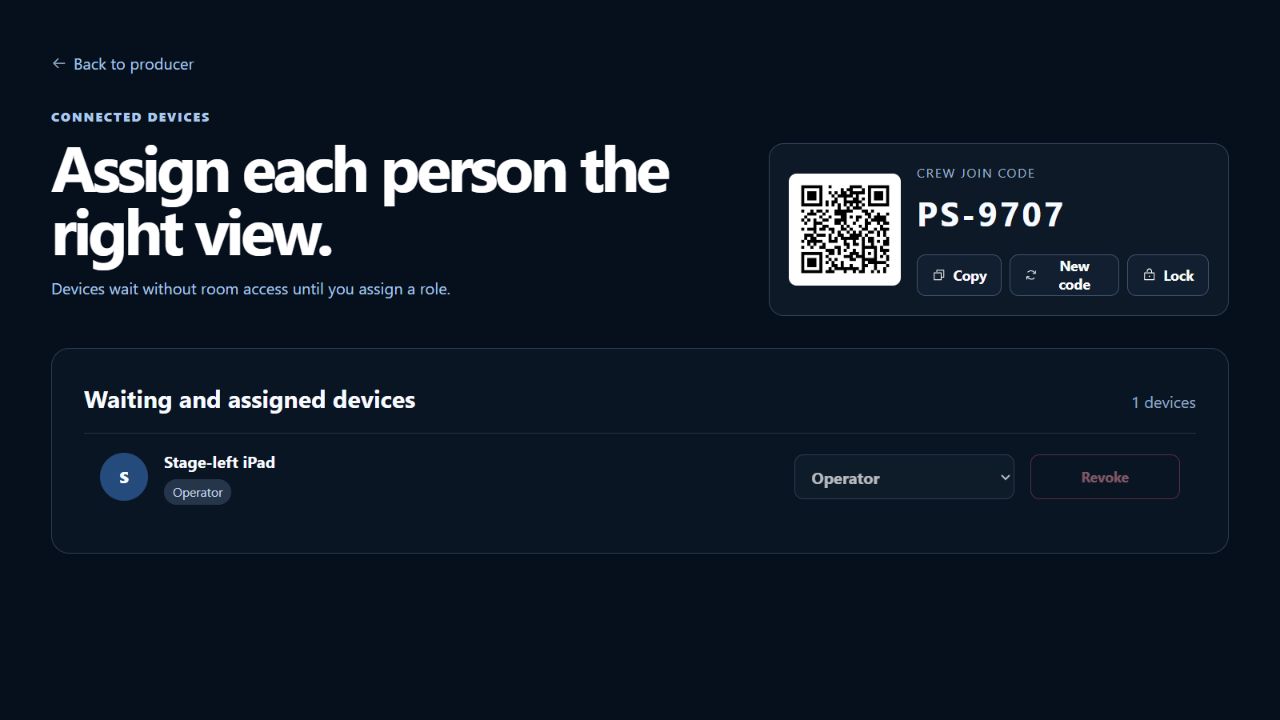
Conferences and panels
Run a shared rundown while each speaker or stage device receives its own view.
See the workflow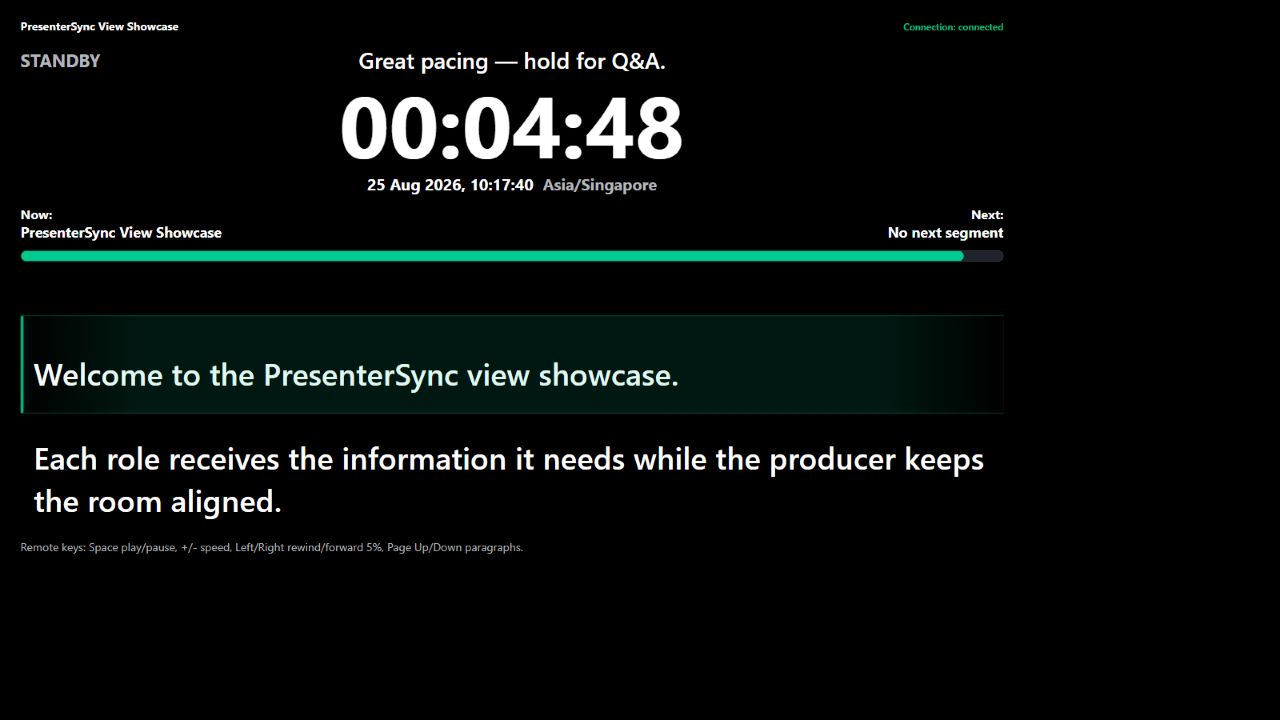
Training and town halls
Give presenters a readable script, cues and time without crowding the screen.
See the workflow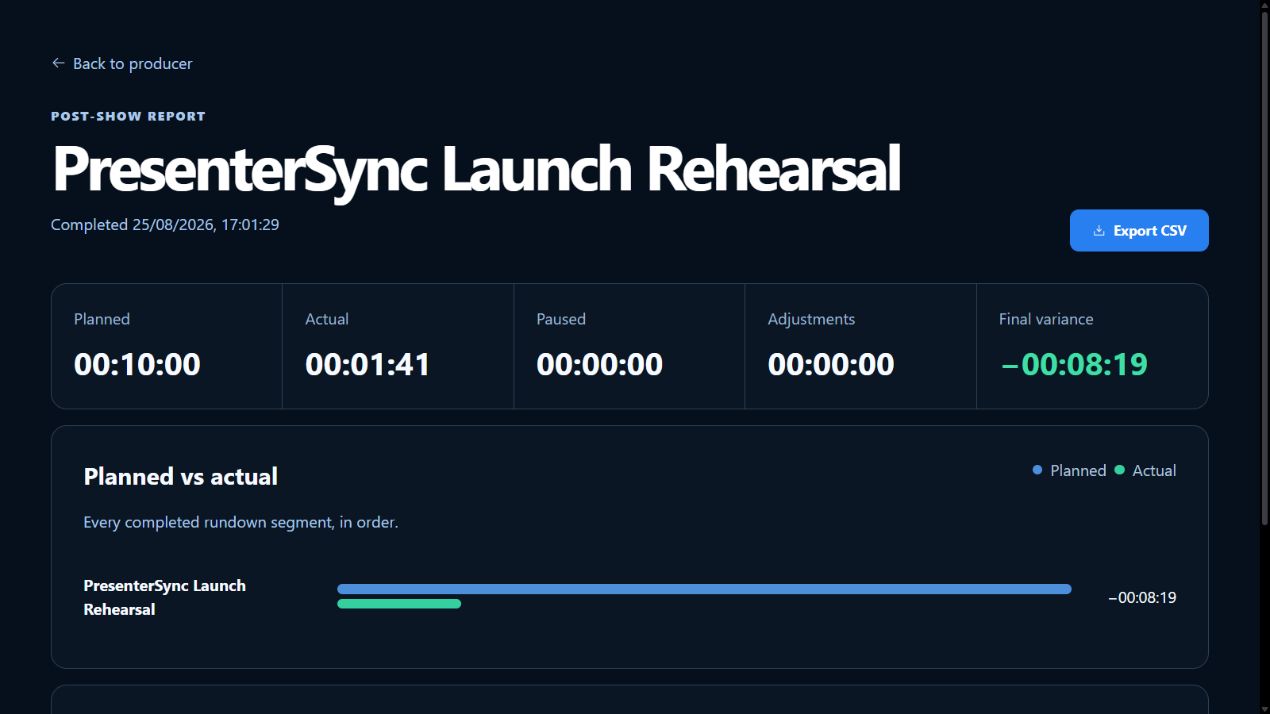
Rehearsals and debriefs
Capture segment variance and export a useful timing record after the run.
See the workflowStill stuck?
Tell us what you were trying to do.
Include the view, device and the message you saw. Never send a private room link or script.